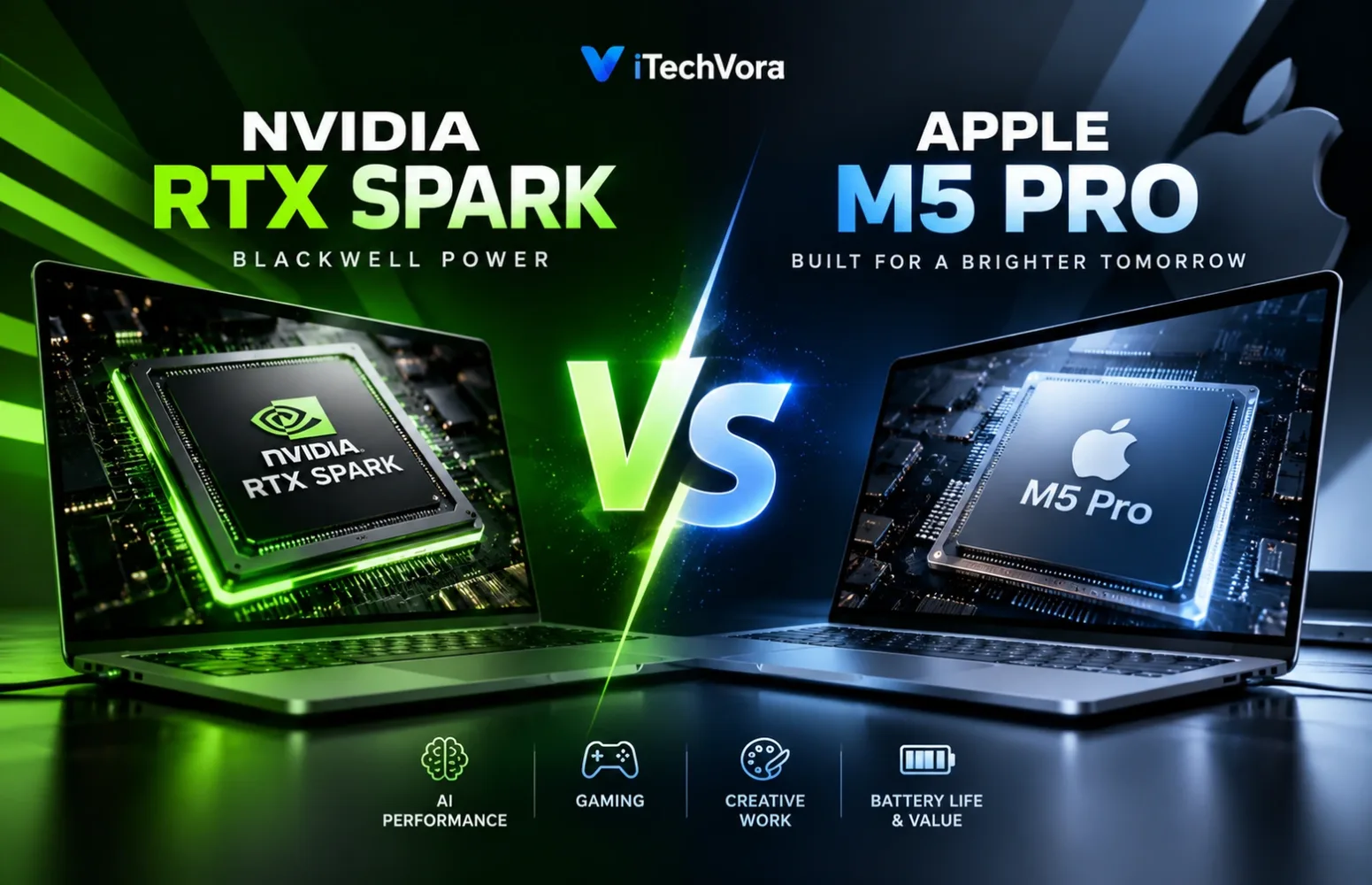
I keep coming back to one question when looking at NVIDIA’s new RTX Spark laptops: do we really need this much AI hardware in a portable computer, or is Apple already giving most professionals everything they need with the M5 Pro?
It’s an interesting comparison because NVIDIA isn’t simply introducing another graphics processor. RTX Spark combines a Grace CPU, Blackwell graphics and shared memory in a single platform. Apple has been refining this kind of integrated chip design since the first generation of its M-series processors.
The difference is what each company wants you to do with that hardware.
NVIDIA is concentrating heavily on local AI, CUDA acceleration and RTX graphics. Apple takes a different approach with the M5 Pro. Much of its appeal comes from how the processor, graphics, media hardware and macOS work together without making users think about each component separately.
I wouldn’t choose between them just by looking at benchmark charts. In fact, with the first RTX Spark laptops not scheduled to ship until October 16, 2026, comprehensive independent comparisons are still limited.
For now, the more useful approach is to examine what both platforms can actually offer, where their specifications matter, and which compromises are worth accepting.
RTX Spark vs M5 Pro: What Matters Most?
| Area | NVIDIA RTX Spark | Apple M5 Pro |
|---|---|---|
| Architecture | Arm-based Grace CPU + Blackwell GPU | Apple custom silicon |
| CPU options | 18-core or 20-core | 15-core or 18-core |
| Graphics | 5,120 or 6,144 Blackwell GPU cores | 16-core or 20-core GPU |
| Unified memory | Up to 128GB on select configurations | Up to 64GB |
| Memory bandwidth | Depends on implementation; no directly comparable figure confirmed here | 307GB/s |
| AI hardware | Tensor Cores, NVIDIA NPU | GPU Neural Accelerators, 16-core Neural Engine |
| Software platform | Windows 11 on Arm, CUDA | macOS, Metal |
| Gaming support | RTX, DLSS, ray tracing, Reflex | Metal, ray tracing, MetalFX |
| Example device | Surface Laptop Ultra | MacBook Pro |
| U.S. starting price | $2,599.99 for Surface Laptop Ultra | $2,199 for 14-inch MacBook Pro |
| Availability | Preorders; shipping from October 16, 2026 | Available since March 11, 2026 |
Specifications refer to laptop configurations, not every RTX Spark device. CPU and GPU core counts use different architectures and cannot be compared directly.
The numbers suggest that NVIDIA has the more aggressive approach to graphics and memory capacity. Apple, meanwhile, has a mature platform with established professional applications.
But neither conclusion tells us which laptop will finish a video export faster, compile a project sooner or run a particular AI model more efficiently.
Those questions need more context.
RTX Spark Is Not Just Another Laptop GPU
My first instinct was to treat RTX Spark like a new generation of NVIDIA laptop graphics. That would miss the biggest change.
A conventional gaming laptop generally combines a processor from Intel or AMD with a separate NVIDIA graphics chip. RTX Spark brings the CPU and GPU together, using unified memory that both can access.
NVIDIA has developed two RTX Spark N1X configurations for its laptop platform.
The first has an 18-core Grace CPU and a Blackwell GPU with 5,120 cores. The higher configuration increases those numbers to a 20-core CPU and 6,144 GPU cores.
Both versions operate within NVIDIA’s stated 45–80W platform power range, depending on the laptop implementation.
That is not a separately stated GPU TGP, and it shouldn’t be confused with the power rating of a discrete GeForce graphics card.
Apple’s M5 Pro takes a different architectural approach. Its higher configuration combines six super cores and twelve performance cores with a 20-core GPU. The lower configuration has a 15-core CPU and 16-core GPU.
What I find more interesting than the core counts is how the two platforms divide their power between general computing, graphics and AI tasks.
When compiling complex applications, I’d pay more attention to how the CPU performs throughout a lengthy build than to the impressive numbers it might produce in a short benchmark. Someone rendering complex visual effects may benefit from GPU acceleration, while an AI researcher could be limited by memory capacity before either processor reaches its maximum computing speed.
A laptop that handles software compilation brilliantly might not be my first choice for rendering complex graphics or running a large AI model.
Without comparable independent tests, calling RTX Spark faster because it has twenty CPU cores would be misleading. The opposite conclusion would be equally premature.
The 128GB Memory Option Is More Interesting Than the AI Marketing
NVIDIA promotes RTX Spark with up to one petaflop of FP4 AI computing capability.
It’s an impressive headline, but I wouldn’t make a purchasing decision around it.
That headline figure represents peak FP4 calculations under carefully defined conditions, with sparsity included. It shouldn’t be mistaken for the speed users will experience across different AI applications. It isn’t a measure of how quickly every AI application will run.
An actual local AI workload involves model loading, memory consumption, precision settings, software optimisation and the time required to produce useful output.
This is where RTX Spark’s memory architecture becomes important.
The higher RTX Spark configuration supports up to 128GB of LPDDR5X unified memory, while Apple M5 Pro supports up to 64GB.
That difference can matter enormously for certain local AI projects.
Imagine working with several development tools, a local coding assistant, a vector database and a large language model at the same time. Available memory can determine whether that workflow is practical, particularly when a model requires substantial memory for its weights and working context.
Having more memory doesn’t automatically make each response faster. What it can do is allow a larger workload to remain local instead of forcing the developer to reduce model size, change quantisation settings or use cloud infrastructure.
There’s an important detail here: the full 128GB isn’t exclusively reserved for GPU workloads. System processes and other applications also share that memory.
Getting the maximum memory capacity isn’t simply a matter of choosing any RTX Spark laptop. RTX Spark specifications vary across laptop models, with differences in processing power, graphics capabilities and available memory. Memory limits and available specifications vary according to the chip used and the models manufacturers choose to release.
NVIDIA’s 18-core laptop variant supports up to 64GB. Reaching 128GB requires a compatible higher-end model, and manufacturers determine which configurations they actually sell.
Apple isn’t absent from this discussion, either.
The M5 Pro offers 307GB/s of unified memory bandwidth, GPU Neural Accelerators and a 16-core Neural Engine. Apple also supports local AI development through its Metal-based acceleration ecosystem.
And buyers who genuinely need 128GB on a Mac can look at selected M5 Max configurations, although that changes both the processor comparison and the purchase price.
I think memory requirements should be the starting point for this particular buying decision. For AI workloads that rarely push beyond 24GB or 48GB, spending significantly more on a 128GB model is difficult to justify unless you expect your memory requirements to grow. That extra capacity only becomes worthwhile when your workload genuinely needs it.
CUDA Could Be the Bigger Reason to Choose NVIDIA
Memory capacity alone doesn’t explain the attraction of RTX Spark.
NVIDIA’s CUDA ecosystem is a major part of the story.
For developers already using CUDA-dependent applications, libraries and machine-learning tools, running that software on a portable NVIDIA platform could be valuable.
Apple’s Metal environment also supports GPU acceleration, and Mac-compatible AI frameworks have improved significantly. But an existing project designed around CUDA cannot automatically be assumed to work unchanged on Apple hardware.
Software conversion, alternative backends or different deployment methods may be necessary.
That could make RTX Spark attractive even when an M5 Pro has enough memory for the same model.
For someone whose projects already run smoothly using Apple’s Metal ecosystem, switching to NVIDIA’s software environment might create additional work without delivering a meaningful improvement.
I would rather spend money on the environment that runs my actual project than chase a theoretical performance number.
CPU Performance: The New Platform Has Something to Prove
Outside AI, the comparison becomes less straightforward.
Both processors are designed to handle demanding multitasking and professional workloads, but we don’t yet have enough matching independent RTX Spark laptop benchmarks to draw a strong general-performance conclusion.
Take software development as an example.
A developer might have an IDE running alongside a local database, containers, a frontend development server, a browser and several background services.
Some of those processes depend on single-core responsiveness. Others benefit from parallel processing or access to more memory.
For this kind of development work, I would look beyond the processor itself. The operating system and its ability to run the required tools can have an equally important effect on the overall experience.
M5 Pro runs macOS with native support for Apple silicon applications. RTX Spark runs Windows 11 on Arm, where software may execute natively or through Microsoft’s Prism emulation layer.
Prism allows many traditional x86 and x64 Windows applications to run, but compatibility is not universal. Before switching platforms, I’d make sure my essential drivers, development utilities and virtual machines work properly. Discovering a compatibility issue after purchasing an expensive laptop is something I’d rather avoid.
I would check the entire toolchain before replacing an existing workstation.
For a developer whose applications are already well supported on macOS, M5 Pro is the more established choice today.
RTX Spark could be especially compelling for someone needing Windows together with NVIDIA’s AI software stack.
What I would really like to see is how these machines perform during longer, repeatable tasks that put sustained pressure on the hardware. Sustained compilation, container-heavy development and mixed CPU/GPU tasks would tell us more than comparing the number of cores printed on a specification sheet.
Gaming Looks Promising, but I Would Check the Game Library First
Seeing Blackwell graphics inside RTX Spark naturally raises expectations about gaming.
RTX Spark also brings NVIDIA’s familiar graphics technologies into the picture, including DLSS, hardware-based ray tracing, Reflex and G-SYNC, where supported by the game and device.
These are meaningful capabilities. However, they don’t remove the limitations of running Windows on Arm.
Many PC games were developed primarily for x86 Windows systems. Some may run through emulation, while others can encounter issues involving launchers, drivers, anti-cheat software or unsupported instructions.
Microsoft has continued improving Windows-on-Arm compatibility, but individual game support still needs verification.
That’s the part I would investigate before buying RTX Spark as a gaming machine.
An RTX badge doesn’t guarantee that your favourite multiplayer game will launch correctly. And even when a game works, available graphics features don’t tell us its average frame rate or how stable performance will remain during a long session.
Apple faces its own gaming limitations.
M5 Pro supports hardware ray tracing and Metal-based graphics processing, with a growing selection of demanding titles available for Mac.
Yet the availability of individual Windows games remains a concern for anyone considering macOS as their primary gaming platform.
Neither chip can solve a missing game.
If gaming were my main priority, I’d compare RTX Spark against an x86 Windows laptop with a conventional GeForce RTX GPU before deciding.
If gaming is something I occasionally do alongside development or creative work, RTX Spark and M5 Pro become more interesting choices.
Video Editing and Creative Work Are More Complicated Than GPU Specifications
For content creators, I think the software matters just as much as the graphics hardware.
NVIDIA’s Blackwell GPU offers hardware media encoding and decoding, together with RTX acceleration and support for NVIDIA’s creative software ecosystem.
I can see the appeal for creators dealing with complicated visual effects, AI-powered editing tools or rendering jobs that make extensive use of GPU acceleration. Actual benefits will still depend on software support and optimisation.
Apple has a different advantage.
M5 Pro includes dedicated media processing hardware for H.264, HEVC, ProRes and ProRes RAW, along with AV1 decoding.
For someone editing ProRes footage regularly, those capabilities are worth understanding. Hardware processing can reduce the amount of general CPU work needed for supported media operations.
But video editing performance is never determined by one component.
Consider a project containing several high-resolution clips, colour corrections, transitions, noise reduction and effects.
The result may depend on GPU compute performance, media acceleration, available memory, storage speed and how efficiently the editing application uses the hardware.
Even the same editor can behave differently across operating systems.
I wouldn’t assume that every Windows creative application works identically on RTX Spark simply because it runs Windows. Native Arm support, plugins and GPU acceleration are all worth checking.
Likewise, I wouldn’t recommend a MacBook solely because it has a dedicated ProRes engine if the buyer’s most demanding work depends on CUDA.
For creative professionals, the winning platform will often be the one that handles their specific projects with the least friction.
A Laptop Is More Than Its Processor
The difference becomes easier to understand when looking at actual products rather than the chips alone.
Microsoft’s Surface Laptop Ultra is one of the first RTX Spark-powered systems. It uses a 15-inch PixelSense Ultra touchscreen with a refresh rate of up to 120Hz.
Microsoft rates its display at up to 1,000 nits typical maximum SDR brightness and 2,000 nits peak HDR brightness.
That HDR figure refers to highlights rather than sustained brightness across the entire display.
Apple’s 14-inch and 16-inch M5 Pro MacBook Pro models feature Liquid Retina XDR displays with ProMotion up to 120Hz and a claimed 1,600-nit peak HDR brightness.
Apple additionally specifies 1,000 nits sustained full-screen HDR brightness. These different brightness ratings should not be treated as directly equivalent measurements.
Surface’s touch support is an obvious difference. It might appeal to someone who likes interacting directly with interface controls, although Surface Pen input is not supported on this model.
MacBook Pro offers a different collection of features, including Thunderbolt 5 connectivity and a nano-texture display option.
Surface Laptop Ultra provides three USB-C/USB4 connections, including one magnetic connection, plus USB-A, HDMI, an SD card reader and a headphone jack.
MacBook Pro provides three Thunderbolt 5 ports, HDMI, SDXC, MagSafe 3 and a headphone jack.
The MacBook’s higher-bandwidth Thunderbolt connections may be useful with compatible professional storage and docking systems. Surface’s USB-A port could reduce the need for an adapter.
There is also a storage difference worth mentioning.
Microsoft officially describes Surface Laptop Ultra’s SSD as removable. The 512GB configuration uses PCIe Gen 4 storage, while its 1TB and 2TB configurations use PCIe Gen 5.
Apple’s MacBook Pro storage is configured at purchase rather than offered as a conventional user-upgradeable SSD.
For buyers expecting storage needs to grow, that distinction deserves attention, although servicing a removable SSD should still follow the manufacturer’s guidance.
Battery Life: Apple’s Published Figures Are Higher
Battery life is one area where I would give Apple’s existing laptop range an advantage in available evidence, while being careful about the numbers.
Microsoft advertises up to 15 hours of local video playback and 12 hours of active web usage for Surface Laptop Ultra.
Apple rates the 14-inch M5 Pro MacBook Pro for up to 22 hours of video streaming and 14 hours of wireless web browsing.
For the 16-inch M5 Pro, Apple’s figures increase to 24 hours of video streaming and 17 hours of wireless web browsing.
| Manufacturer battery claim | Surface Laptop Ultra | MacBook Pro 14-inch M5 Pro | MacBook Pro 16-inch M5 Pro |
|---|---|---|---|
| Video playback or streaming | Up to 15 hours | Up to 22 hours | Up to 24 hours |
| Web usage | Up to 12 hours | Up to 14 hours | Up to 17 hours |
These numbers come from different manufacturers using their own testing procedures, so they are not a controlled comparison.
Microsoft’s figures were obtained using preproduction Surface Laptop Ultra hardware, while Apple’s reflect its own test configurations.
More importantly, neither set of figures tells us how long these laptops can sustain GPU rendering, gaming or intensive local AI processing on battery power.
That matters much more to professionals than a video playback rating.
For someone spending the day in meetings, browsing, writing and occasionally editing, Apple’s published endurance is attractive.
For a developer planning to run local AI models away from a power outlet, I’d want independent battery and sustained-performance measurements before making a final decision.
The Price Difference Changes the Whole Conversation
This is where the comparison becomes particularly interesting.
Surface Laptop Ultra starts at $2,599.99 in the United States. The entry-level Surface Laptop Ultra pairs an 18-core RTX Spark processor with a Blackwell GPU containing 5,120 cores. Microsoft combines that hardware with 24GB of unified memory and a 512GB SSD.
Apple’s 14-inch M5 Pro MacBook Pro starts at $2,199, including 24GB unified memory and 1TB storage.
So the entry-level Surface costs roughly $400 more while offering less storage.
The MacBook’s lower starting price and larger entry-level SSD certainly deserve attention. Whether that translates into better value depends on how much the buyer would actually benefit from NVIDIA’s hardware and software capabilities.
The 20-core RTX Spark Surface configuration starts at $3,699.99 with 32GB memory and 1TB storage.
The 128GB Surface Laptop Ultra configuration is listed at $5,899.99 in Microsoft’s U.S. store and was marked out of stock when checked.
That is a substantial investment.
Personally, I’d only consider spending extra on the 128GB version if my existing projects were regularly running into memory limits. Otherwise, much of that capacity could remain unused.
For reference, Apple’s official India launch pricing starts at ₹2,49,900 for the 14-inch M5 Pro MacBook Pro and ₹2,99,900 for the 16-inch version.
An equivalent official Indian retail price for Surface Laptop Ultra has not been verified. The U.S. price should not be treated as an Indian selling price after a simple currency conversion.
There is also a broader comparison worth remembering.
If the buyer is considering an expensive RTX Spark configuration primarily for its memory, Apple’s M5 Max range becomes relevant. Selected M5 Max models also support 128GB unified memory, though their CPU, GPU and pricing differ from M5 Pro.
I’d prefer to compare RTX Spark and M5 Pro laptops within similar price ranges. Using NVIDIA’s top configuration against Apple’s cheapest M5 Pro model would distort the buying comparison. I’d rather compare machines with similar prices and clearly identified configurations.
Who Should Actually Buy RTX Spark or M5 Pro?
I wouldn’t make the decision purely around NVIDIA versus Apple.
The better question is which ecosystem creates fewer problems for your work.
RTX Spark makes more sense when:
- Your AI development projects rely on CUDA and NVIDIA GPU acceleration.
- You need larger local model capacity and can justify a high-memory configuration.
- You use Windows applications with confirmed native Arm or compatible emulation support.
- You can benefit from RTX technologies without depending on unsupported games.
- You value Surface’s touchscreen, removable SSD or available connectivity options.
M5 Pro makes more sense when:
- Your existing work depends on macOS applications and Apple development tools.
- You edit media using workflows that benefit from Apple’s dedicated media engines.
- You want a professional laptop with established real-world testing and availability.
- Its available memory configurations meet your project requirements.
- Battery life, portability and familiarity matter more than adopting a newer AI-focused platform.
For general productivity, web development, office applications and moderate creative work, I don’t think most buyers should pay extra for RTX Spark simply because it carries NVIDIA branding.
Its strongest argument is more specialised.
It offers a way to bring high-capacity unified memory and NVIDIA’s GPU software ecosystem together in one portable machine.
That could be valuable, but only when a real workload takes advantage of it.
Final Verdict: Apple M5 Pro Is the Established Choice, While RTX Spark Still Has Something to Prove
The most interesting thing about NVIDIA RTX Spark is not that it is trying to become another MacBook processor.
It’s that NVIDIA is bringing its GPU and AI computing ecosystem into a laptop design where the CPU, graphics and memory work as parts of a closely integrated platform.
For professionals developing local AI applications, that opens up possibilities worth exploring.
The option to configure 128GB unified memory is particularly appealing when memory capacity limits the models and tools you can run.
But the strongest configuration also comes with a considerable price premium, and the broader Windows-on-Arm software environment remains something buyers should assess carefully.
Apple M5 Pro takes a less uncertain route.
Its advantages include a mature macOS ecosystem, integrated media acceleration, available independent performance evidence and published battery specifications that make it a familiar option for professional buyers.
I would choose an M5 Pro MacBook Pro for an existing Mac-focused development or creative workflow that fits comfortably within its hardware limits.
What attracts me to RTX Spark is its support for CUDA, which could make it a practical choice for demanding local AI projects that need substantial memory and GPU acceleration.
For gaming, I would postpone any definitive performance judgment until independent testing covers actual retail laptops, representative game compatibility and comparable graphics settings.
The more useful conclusion isn’t that one processor beats the other. It’s that NVIDIA and Apple are designing capable hardware around different priorities.
What makes RTX Spark appealing to me is the possibility of handling more demanding AI development directly on a laptop, without having to move every memory-intensive task to a remote server. M5 Pro remains a strong choice for professionals who already know what they need their laptop to do.
And at these prices, knowing your workload is more valuable than owning the chip with the biggest number.
Frequently Asked Questions
Is NVIDIA RTX Spark faster than Apple M5 Pro?
There isn’t enough comparable independent retail-laptop testing to establish an overall winner. CPU, gaming and AI results may differ significantly depending on the application, power configuration and software support.
Is RTX Spark better for local AI development?
RTX Spark may be attractive for CUDA-dependent projects and high-memory configurations. However, that doesn’t guarantee faster inference for every model. Apple M5 Pro also supports accelerated local AI workloads.
Does RTX Spark support 128GB RAM?
Yes, selected higher-end RTX Spark laptops support 128GB unified memory. The capacity is not available on every RTX Spark version.
Can RTX Spark run Windows games?
RTX Spark supports RTX gaming technologies, but it runs Windows on Arm. Game compatibility, including anti-cheat and driver support, must be checked individually.
Is Apple M5 Pro better for video editing?
M5 Pro includes dedicated media acceleration and has established support for many professional editing applications. RTX Spark may have advantages in CUDA-dependent workflows. Until we have reliable results from the same applications, comparable configurations and matching test conditions, I don’t think it would be fair to call either platform the faster option.
Is RTX Spark worth buying instead of a MacBook Pro?
It could be, particularly for CUDA-based development or larger local AI models. Buyers focused on ordinary productivity or existing Mac-compatible applications may find M5 Pro more appropriate.
Report an issue with this article
Spotted outdated information or a broken link? The article URL is included automatically. Reports are private. Please do not include sensitive personal information.
Contact us at itechvora@gmail.com with the article link.