Laptop RAM is one of those specifications where buying the biggest number available is easy, but not necessarily sensible.
For most people buying a laptop in 2026, 16GB is the capacity I would start with. It gives enough room for everyday multitasking, work, study, browser-heavy use and a fair amount of creative software without paying for memory that may never be used.
That does not mean 8GB is no longer useful, nor does every user need 32GB. The better choice depends on your workload and how many demanding apps you typically keep open together.
My simplified recommendation is:
| RAM | Best suited for |
|---|---|
| 8GB | Basic browsing, Office work, streaming and light student use |
| 16GB | Best choice for most buyers, multitasking, programming, Photoshop and general productivity |
| 32GB | Serious development, gaming + multitasking, 4K editing, larger creative projects and heavier workloads |
| 64GB | Virtual machines, large professional projects, demanding development, data workloads and specialist creative work |
My Quick Verdict
If I were buying a normal Windows laptop or Mac today and wanted it to remain comfortable for several years, 16GB would be my minimum target.
I would choose 32GB if I knew I would regularly use professional creative software, development environments, virtual machines or memory-heavy applications.
I would only pay for 64GB when I could identify a workload that would actually consume it.
The mistake I would avoid is buying 8GB simply because Windows technically supports it.
Microsoft lists 4GB of RAM as the minimum requirement for Windows 11, but a minimum installation requirement is very different from the amount of memory that makes a modern laptop pleasant to use.
What Does RAM Actually Do?
RAM is the short-term working memory used by Windows, macOS, applications and active data.
Open a browser with several tabs, Spotify, Outlook, Photoshop and a few documents, and all of them compete for memory.
With enough RAM, a laptop can keep more active data ready for quick access instead of constantly moving it in and out of storage. When memory becomes tight, the operating system increasingly relies on SSD-based virtual memory or swap.
Modern SSDs are fast, but they are still not a replacement for sufficient RAM.
That is why a laptop can have a fast processor and still feel sluggish when switching between applications under heavy memory pressure.
8GB RAM: Still Usable, but I Would Be Careful
Eight gigabytes can still make sense for a budget laptop used mainly for:
- Web browsing
- Microsoft Office or Google Docs
- Streaming
- Video calls
- Basic school or college work
- Lightweight applications
If that describes the entire workload, I would not automatically reject an 8GB machine.
The problem is headroom.
A browser can consume several gigabytes once enough tabs and web applications are open. Add Windows, Teams, Office applications, background utilities and integrated graphics, and 8GB can become restrictive surprisingly quickly.
Adobe’s current Photoshop requirements illustrate this difference quite well: 8GB is listed as the minimum, while 16GB or more is recommended.
That is roughly how I would treat 8GB in a new laptop: capable of running many applications, but no longer the capacity I would choose for comfortable long-term multitasking.
Who should buy 8GB?
Consider it if:
- Budget matters more than longevity
- Your workload is genuinely light
- The RAM can be upgraded later
- You rarely keep many applications open together
Who should avoid it?
I would avoid 8GB for a new primary laptop if you plan to keep it for several years and regularly use development tools, creative applications or demanding multitasking.
16GB RAM: The Sweet Spot for Most Laptop Buyers
At this point, choosing the right amount of RAM becomes much more straightforward.
For general-purpose laptops in 2026, I think 16GB offers the best balance of price, usability and longevity.
It is suitable for:
- Heavy browser use
- Office applications
- College and professional work
- Photoshop
- Programming
- IDEs
- Moderate gaming
- Light-to-moderate video editing
- General content creation
- Running several everyday applications simultaneously
Microsoft recommends 16GB for typical professional Visual Studio workloads, while Adobe recommends at least 16GB for Photoshop and 16GB for HD work in Premiere.
There is also an interesting indication of where mainstream hardware has moved. Apple’s current M5 MacBook Air configurations begin with 16GB of unified memory, with 24GB and 32GB options available.
That does not mean every laptop needs to follow Apple’s configuration strategy, but it reinforces my view that 16GB is now a far more sensible mainstream starting point than 8GB.
32GB RAM: Where Heavy Users Start to Benefit
Thirty-two gigabytes is not necessary for ordinary web browsing or Office work.
The benefit appears when several demanding workloads overlap.
I would seriously consider 32GB for:
- Professional software development
- Large IDE projects
- Multiple development services running locally
- Docker containers
- Virtual machines
- 4K video editing
- Large Photoshop projects
- Gaming while streaming or recording
- Large datasets
- Music production with large sample libraries
- Heavy multitasking across creative applications
Adobe currently recommends 32GB or more for Premiere when editing 4K and higher-resolution media on Windows.
That is the type of workload where doubling memory from 16GB to 32GB can matter much more than it does during ordinary office use.
For a developer, I would also look beyond the IDE itself. A developer may have a browser, database, backend services, Docker containers, a local frontend server, an emulator and communication apps running at the same time.
Individually, none may justify 32GB. Together, they can.
64GB RAM: Powerful, but Definitely Not for Everyone
I would not recommend 64GB simply as a way to “future-proof” a normal laptop.
For most buyers, that money is better spent elsewhere.
Sixty-four gigabytes becomes meaningful for workloads such as:
- Multiple virtual machines
- Large software solutions
- Enterprise development environments
- Large 4K/8K production projects
- Complex After Effects-style compositions
- Huge RAW photo projects
- Large datasets
- Scientific or engineering applications
- Certain local AI workloads
- Professional 3D production
- Very large music projects
Microsoft’s requirements for Visual Studio 2026 are an interesting example. Microsoft still recommends 16GB for typical professional solutions, but states that Visual Studio works best with 64GB on high-end systems.
That does not suddenly make 64GB necessary for every programmer. It shows how much headroom sophisticated professional workflows can potentially use.
The question I would ask is simple:
Can you name the application or workflow that needs more than 32GB?
If the answer is no, I probably would not pay for 64GB.
Integrated Graphics Make RAM Capacity More Important
This part is easy to overlook when comparing laptops.
A laptop with integrated graphics may use system memory for graphics rather than having a completely separate pool of dedicated VRAM.
Intel confirms that its integrated graphics share system memory with the CPU, dynamically using available RAM according to the workload.
That means an integrated-graphics laptop with 8GB does not necessarily have the entire 8GB effectively available to CPU applications all the time.
For buyers planning light gaming, GPU-accelerated creative work or other graphics-heavy tasks on an integrated GPU, I would lean even more strongly toward 16GB or 32GB.
What About Apple Unified Memory?
Apple silicon approaches memory differently from a conventional PC with separate CPU RAM and dedicated GPU VRAM.
The CPU, GPU and other parts of the chip can access a unified pool of memory.
This can be efficient, but the basic buying rule does not disappear: capacity still matters.
A 16GB Mac can perform extremely well, but that 16GB pool is also serving graphics and other parts of the system. I would therefore avoid assuming that “unified memory” somehow makes capacity irrelevant.
For ordinary productivity, 16GB is a comfortable starting point.
For heavier video, development or creative workloads, 24GB or 32GB may provide worthwhile breathing room.
RAM Capacity Matters More When You Cannot Upgrade It
Before buying any laptop, I would check one specification that receives far less attention than it deserves:
Can the RAM be upgraded later?
Some laptops use replaceable memory modules. Others have memory soldered to the motherboard or integrated into the processor package.
If memory cannot be upgraded, today’s RAM decision becomes the laptop’s permanent configuration.
That changes my recommendation considerably.
For an upgradeable budget laptop, starting with 8GB and adding more later may be reasonable.
For a non-upgradeable laptop expected to last four or five years, I would be much more reluctant to buy only 8GB.
Should You Choose More RAM or a Faster Processor?
Capacity comes first when your current workload is genuinely running out of memory.
A faster CPU cannot compensate for severe RAM pressure.
But once you already have enough memory, adding more usually produces diminishing returns.
Moving from 8GB to 16GB can transform a multitasking-heavy machine.
Moving from 16GB to 32GB can be equally worthwhile for specific professional workloads.
Moving from 32GB to 64GB will do very little for someone whose applications normally use only 12GB.
Unused RAM capacity does not automatically make a laptop faster.
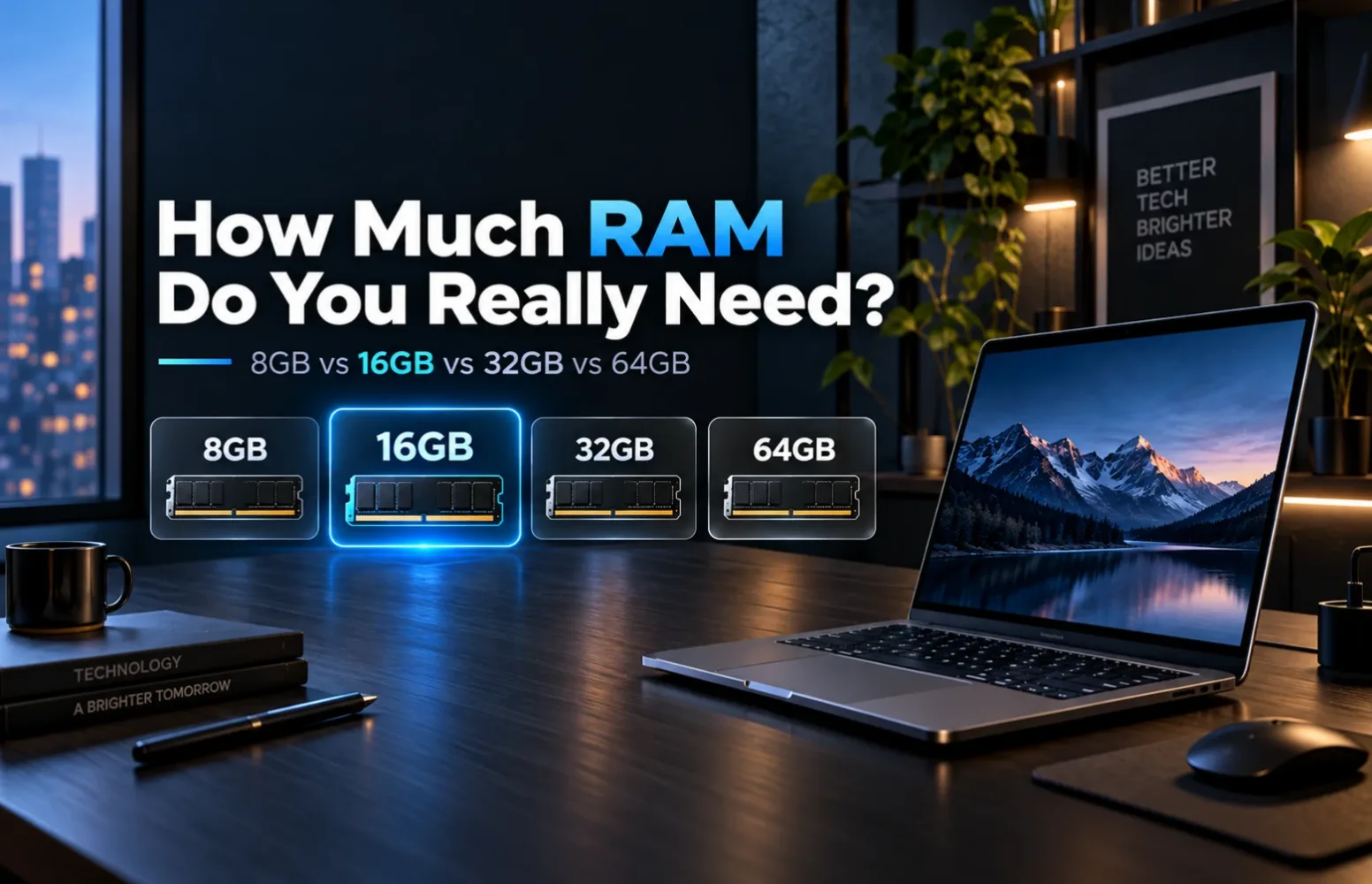
8GB vs 16GB vs 32GB vs 64GB: Which Should You Buy?
Choose 8GB if:
Your requirements are basic, your budget is strict and preferably the laptop supports future RAM upgrades.
Choose 16GB if:
You want the safest all-round choice for work, study, browsing, programming, everyday creation and long-term use.
For most laptop buyers, this is the RAM configuration I would choose.
Choose 32GB if:
You edit 4K video, develop software professionally, run virtual machines or containers, work with larger creative projects, game while running other heavy applications, or simply know your workload regularly pushes beyond 16GB.
Choose 64GB if:
You already have a professional workload capable of using it. Buy it because your applications need the capacity, not because 64GB looks more future-proof on the specification sheet.
Final Verdict
The easiest way I would think about laptop RAM in 2026 is this:
8GB is workable.
16GB is comfortable.
32GB is for heavier users.
64GB is specialized.
For a new laptop that I expected to use as my main computer for several years, 16GB would be my baseline.
If I were doing professional development, 4K editing, virtualization or similarly demanding work every day, I would move to 32GB.
And unless I could point to a real workload that required more, I would stop there rather than buying 64GB simply for the number.
The best RAM configuration is not the largest one you can afford.
It is the amount that keeps your real workload comfortably inside memory without spending money on capacity that sits unused.
FAQs
Is 8GB RAM enough for a laptop in 2026?
Yes, for basic browsing, office applications, streaming and light workloads. For a new primary laptop intended for heavier multitasking or several years of use, I would prefer 16GB.
Is 16GB RAM enough for gaming?
For many gaming laptops, 16GB remains a sensible starting point. The exact requirement depends on the game, background applications and whether the system uses integrated or discrete graphics. Heavy multitasking, streaming or content creation can make 32GB more useful.
Is 32GB RAM overkill?
Not for developers, video editors, professional creators, virtual-machine users or people running several demanding applications simultaneously. For ordinary web and office use, however, much of it may remain unused.
Do I need 64GB RAM?
Most laptop buyers do not. It is primarily useful for memory-intensive professional workloads, multiple virtual machines, very large projects and specialist applications.
Is more RAM better than faster RAM?
Adequate capacity should usually come first. A faster memory specification is of limited help if the system constantly runs short of RAM and has to rely heavily on SSD-based virtual memory.
Report an issue with this article
Spotted outdated information or a broken link? The article URL is included automatically. Reports are private. Please do not include sensitive personal information.
Contact us at itechvora@gmail.com with the article link.