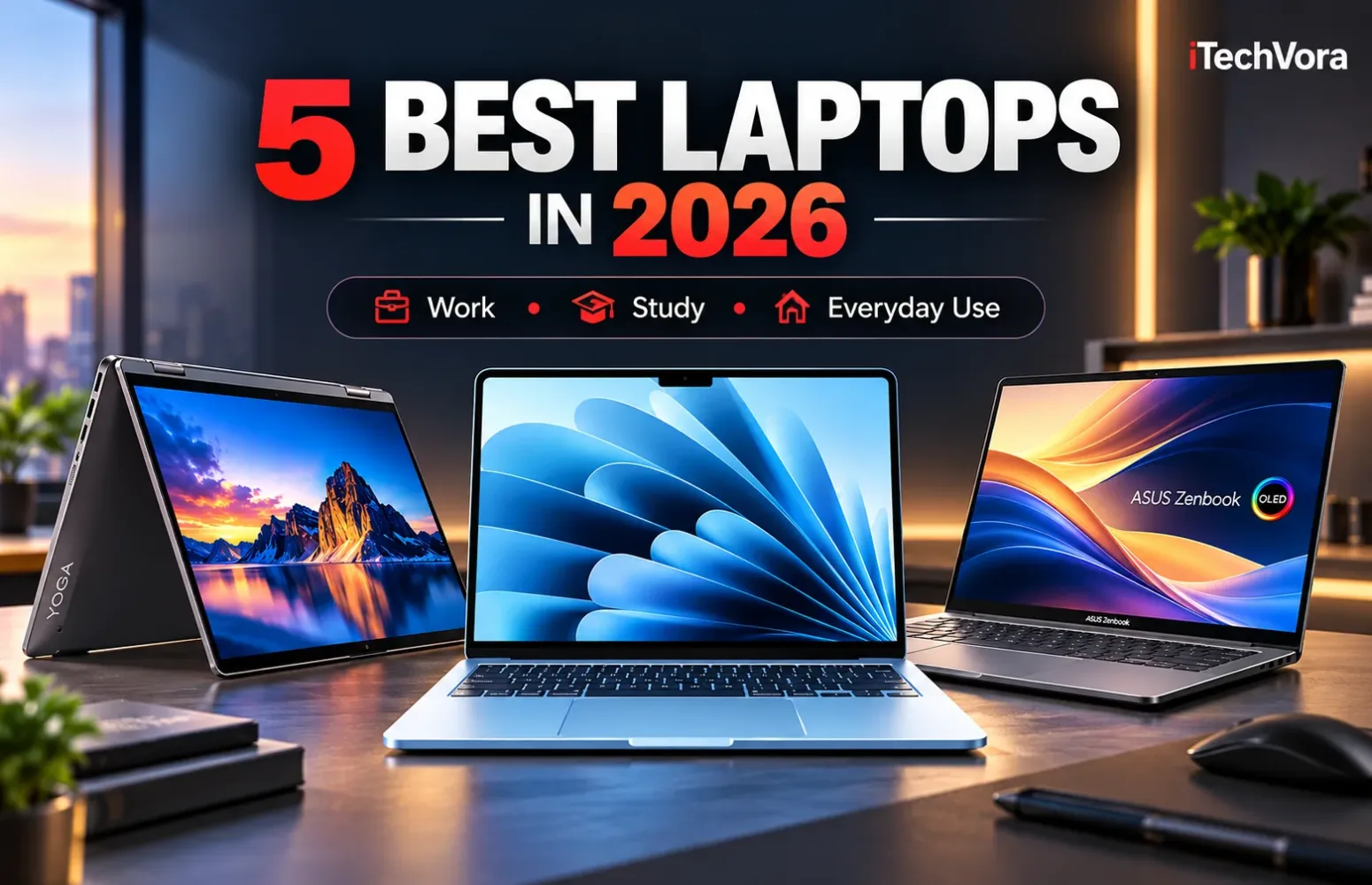
A laptop that looks impressive on a specification sheet isn’t necessarily the one I’d recommend for everyday use. For most people, comfortable typing, dependable battery life, enough memory, and a practical display matter more than having the fastest processor available.
For this 2026 guide, I’ve considered laptops across different price points, including affordable MacBooks, versatile Windows convertibles, and lightweight productivity machines. The goal is to identify five genuinely useful choices rather than fill the list with expensive flagship models.
One thing that became especially important during the comparison was configuration. While 8GB of RAM is generally enough for basic student activities, choosing 16GB provides additional breathing room when working with several browser tabs, office programs, and applications simultaneously.
The operating system matters just as much. macOS offers a different experience from Windows, while Snapdragon-powered Windows laptops deserve an additional compatibility check.
These five picks reflect different priorities, but the overall ranking favors machines that balance everyday performance, portability, battery life, usability, and long-term value.
Our top 5 picks
Count down to our #1 choice.
-
#5 Apple MacBook Neo (A18 Pro)
Best affordable MacBook for students
Model / configuration: 13-inch MacBook Neo (2026), Apple A18 Pro, 8GB unified memory, 256GB SSD, Silver
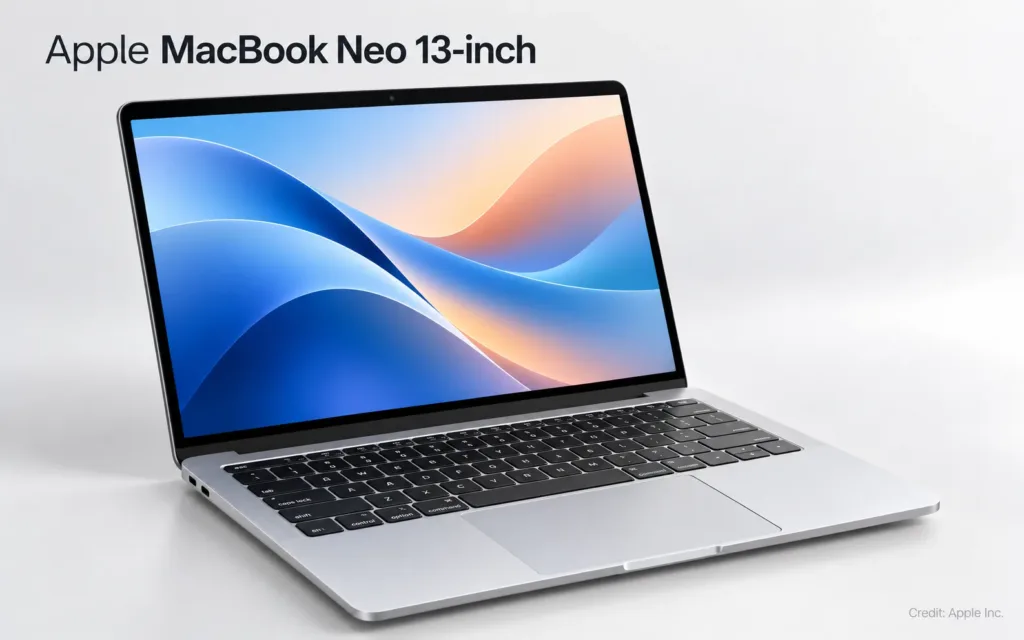
The MacBook Neo earns a place here because it makes macOS accessible without requiring the budget of a MacBook Air. The MacBook Neo combines Apple's A18 Pro chip with a clear, detailed screen and a slim aluminum body, making it a practical option for studying, preparing documents, browsing the internet, and watching videos. I would recommend it to someone whose workload is straightforward, but its fixed 8GB memory is the main reason I cannot rank it higher. For heavier multitasking or longer-term flexibility, spending more on a 16GB laptop makes sense.
Key features
- 1. Apple A18 Pro processor with 6-core CPU and 5-core GPU.
- 2. 13-inch Liquid Retina display with 2408 × 1506 resolution and 500-nit rated brightness.
- 3. 8GB unified memory and 256GB SSD.
- 4. Fanless design with a durable aluminum enclosure.
- 5. 1080p FaceTime HD camera and up to 16 hours of manufacturer-rated battery life.
What to consider
- 1. Memory is limited to 8GB and cannot be upgraded.
- 2. No backlit keyboard; Touch ID is reserved for the 512GB model.
- 3. Two USB-C connections are provided, but one operates at USB 2.0 speed.
-
#4 HP OmniBook 5 Laptop Next Gen AI 14-he000
Best for battery-focused everyday work
Model / configuration: 14-inch, Qualcomm Snapdragon X X1-26-100, 16GB RAM, 512GB SSD, 1920 × 1200 OLED, Windows 11 Pro
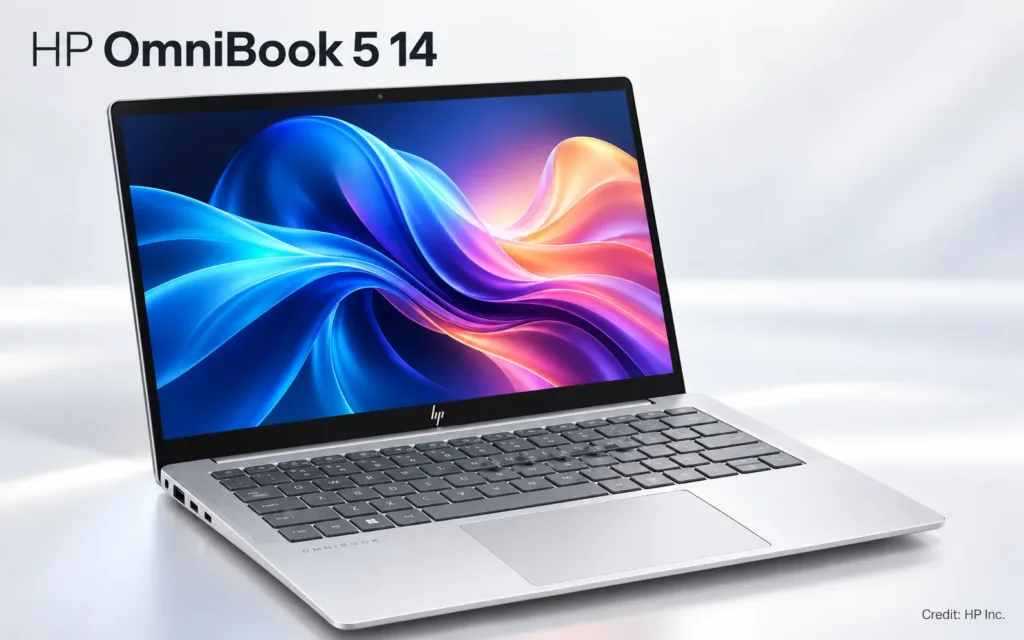
What interests me about the OmniBook 5 is its combination of an OLED display, 16GB memory, and an efficient Snapdragon processor at a potentially attractive discounted price. For someone spending most of the day in a browser, documents, email, meetings, and streaming, that balance is more relevant than chasing benchmark scores. HP advertises particularly long battery life under controlled video-playback conditions, although actual workday results will differ. The reason I have kept it below the conventional Windows laptops is software compatibility: buyers who depend on specialized applications, drivers, or peripherals should verify support for Windows on Arm before purchasing.
Key features
- 1. Qualcomm Snapdragon X X1-26-100 8-core processor.
- 2. 16GB onboard memory with 512GB PCIe NVMe SSD.
- 3. 14-inch 1920 × 1200 OLED display, rated at 300 nits.
- 4. 59Wh battery; HP claims up to 34 hours in its specified local-video test configuration.
- 5. 1080p IR camera, Wi-Fi 6E, and Windows 11 Pro in the selected configuration.
What to consider
- 1. Windows on Arm can run many traditional applications through emulation, but some drivers and specialized software require native Arm support.
- 2. The glossy OLED panel may be less comfortable in brightly lit environments.
- 3. The 16GB onboard memory is not designed for later upgrades
-
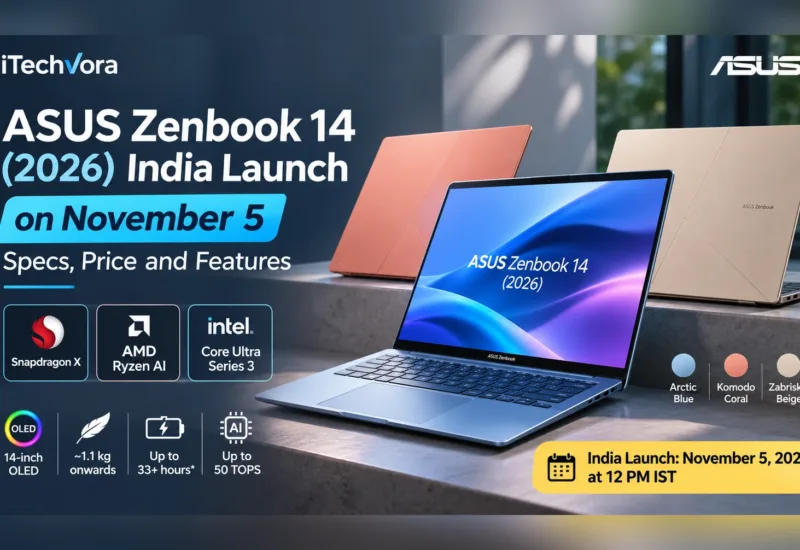
#3 ASUS Zenbook 14 (UM3405GA)
Best lightweight Windows productivity laptop
Model / configuration: UM3405GA-ZB_70, 14-inch, AMD Ryzen AI 9 465, 16GB LPDDR5X RAM, 512GB SSD, WUXGA OLED touchscreen, Jasper Gray
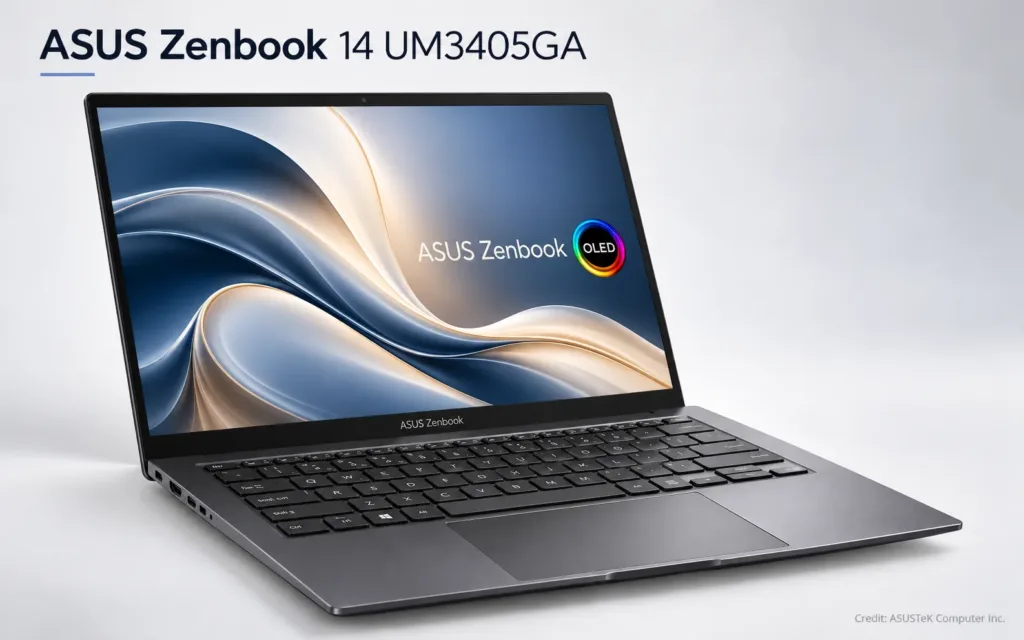
The Zenbook 14 makes a strong case for buyers who want Windows without carrying a bulky laptop. What stood out to me was not simply the Ryzen AI 9 processor, but how ASUS combines it with a relatively lightweight body, OLED touchscreen, useful connectivity, and a large 75Wh battery. It is an appealing setup for professionals moving between home, office, and travel. I have placed it below the Yoga because it lacks the flexibility of a 360-degree convertible, while its particular OLED configuration is limited to a 60Hz refresh rate rather than the faster panels found on some premium alternatives.
Key features
- 1. AMD Ryzen AI 9 465 processor with integrated Radeon graphics.
- 2. 16GB LPDDR5X memory and 512GB PCIe Gen 4 SSD.
- 3. 14-inch 1920 × 1200 OLED touchscreen with 100% DCI-P3 rated color coverage.
- 4. 75Wh battery and approximately 2.82lb (1.28kg) chassis.
- 5. USB4, USB-A, HDMI 2.1, headphone jack, and a 1080p IR webcam.
What to consider
- 1. The recommended configuration uses a 60Hz display.
- 2. Memory is soldered, making the initial configuration important.
- 3. Its integrated graphics are not a replacement for a dedicated gaming or professional workstation GPU.
-
#2 Lenovo Yoga 7i 2-in-1 Aura Edition (14-inch Intel)
Best versatile Windows laptop
Model / configuration: 83TC0003US, 14-inch, Intel Core Ultra 5 322, 16GB RAM, 512GB SSD, 1920 × 1200 OLED touchscreen, Luna Grey
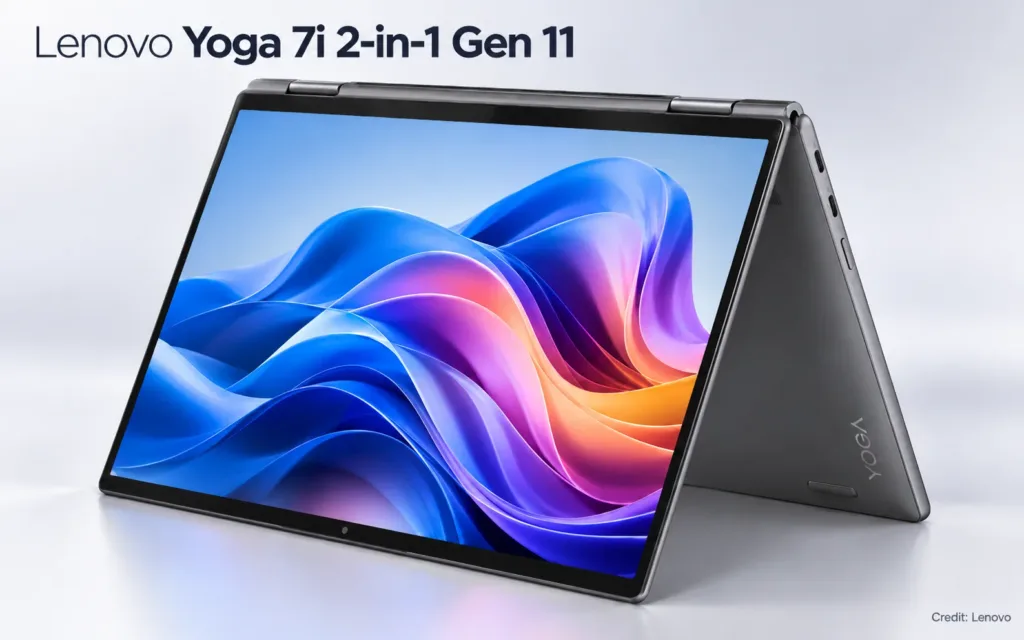
What I particularly like about the Yoga 7i is how easily it adapts to different situations. You can use it as a traditional laptop for office work, fold the screen back for presentations, or switch to tablet mode when touchscreen interaction feels more convenient. Its 360-degree hinge allows a quick switch between typing, presenting, watching content, and touchscreen interaction, while the OLED panel adds a welcome improvement over basic LCD displays. The selected Core Ultra 5 and 16GB configuration should be a sensible match for mainstream Windows productivity. What keeps it behind the MacBook Air in this broader ranking is that its convertible features won't benefit everyone, and buyers prioritizing traditional laptop use may prefer a lighter, simpler machine.
Key features
- 1. Intel Core Ultra 5 322 processor.
- 2. 16GB memory and 512GB SSD.
- 3. 14-inch WUXGA (1920 × 1200) OLED touchscreen.
- 4. 360-degree convertible hinge for laptop, tent, stand, and tablet use.
- 5. Windows 11 Copilot+ PC features, with compatible pen support.
What to consider
- 1. The selected OLED panel runs at 60Hz; higher-resolution options depend on configuration.
- 2. The Yoga Pen is not automatically included with every retail package.
- 3. Users who rarely use tablet mode may find a conventional lightweight laptop better value.
-
#1 OUR TOP PICKApple MacBook Air 13-inch (M5, 2026)
Best overall laptop for everyday use
Model / configuration: 13-inch MacBook Air, Apple M5 with 10-core CPU and 8-core GPU, 16GB unified memory, 512GB SSD
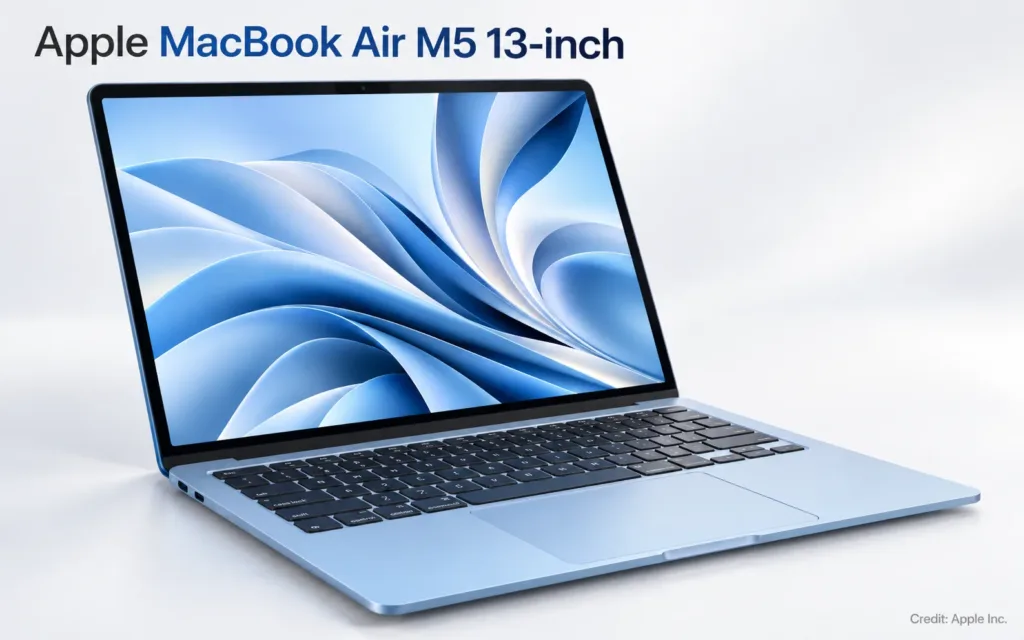
The MacBook Air M5 earns my overall top position because it gets the fundamentals right without asking buyers to pay for specialist hardware they may never use. The combination of 16GB unified memory, a 512GB SSD, the M5 processor, a sharp 13.6-inch display, and a fanless design makes it a well-rounded choice for professional work, university study, communication, and everyday creative tasks. I would still choose the Yoga 7i for someone who specifically needs Windows or a convertible touchscreen. But for buyers comfortable with macOS, the Air offers a particularly convincing combination of performance, portability, quiet operation, and battery efficiency.
Key features
- 1. Apple M5 processor with 10-core CPU and 8-core GPU in the selected base configuration.
- 2. 16GB unified memory and 512GB SSD.
- 3. 13.6-inch Liquid Retina display with 2560 × 1664 resolution and 500-nit rated brightness.
- 4. Up to 18 hours of Apple-rated video playback and up to 15 hours of wireless web browsing.
- 5. Two Thunderbolt 4 ports, MagSafe 3 charging, 12MP Center Stage camera, and Wi-Fi 7.
What to consider
- 1. The display is not a touchscreen and operates at 60Hz.
- 2. Limited built-in ports mean some buyers will need a USB-C hub.
- 3. Memory and internal storage are not user-upgradeable, and Windows-only software may require another computer or a compatible alternative.
Editor’s final thoughts
The more I compared these laptops, the clearer it became that 2026 buyers should pay attention to the entire configuration rather than the processor name alone.
A fast processor is useful, but it cannot compensate for insufficient memory, awkward connectivity, or a laptop that simply doesn't fit the way someone works. I would prioritize 16GB of memory for most people purchasing a primary laptop today, particularly if they expect to keep it for several years.
The MacBook Neo illustrates that trade-off well. Its lower price makes it attractive for students and light users, yet its 8GB memory ceiling limits the kind of buyer I would recommend it to. The HP OmniBook 5 takes a different approach, offering more memory and an OLED display, but its Arm-based platform means compatibility deserves closer inspection.
The Windows machines are especially interesting because they provide choices Apple doesn't offer. ASUS supplies useful connectivity and a compact design, while Lenovo goes further with a genuinely flexible touchscreen format. I can easily see the Yoga 7i being the better purchase for someone who takes handwritten notes, makes frequent presentations, or depends on Windows software.
What ultimately pushed the MacBook Air M5 into first place was its balance. It is capable enough for a wide range of everyday work, portable enough to carry regularly, and quiet by design. Starting with 16GB memory and 512GB storage also avoids two restrictions that weaken many entry-level configurations.
Its price is the biggest objection. At $1,299 from Apple, I wouldn't suggest stretching an uncomfortable budget simply to own a MacBook Air.
I would also encourage buyers to look beyond short-lived discounts. Laptop prices have been moving noticeably during 2026, and a good deal is only worthwhile when it applies to the configuration you actually want.
These ratings represent research-based editorial judgments, not claims that iTechVora physically tested all five machines.
Report an issue with this article
Spotted outdated information or a broken link? The article URL is included automatically. Reports are private. Please do not include sensitive personal information.
Contact us at itechvora@gmail.com with the article link.