I would start this decision with the storage screen on your current phone. It tells you more than a retailer’s suggestion to buy the largest version you can afford.
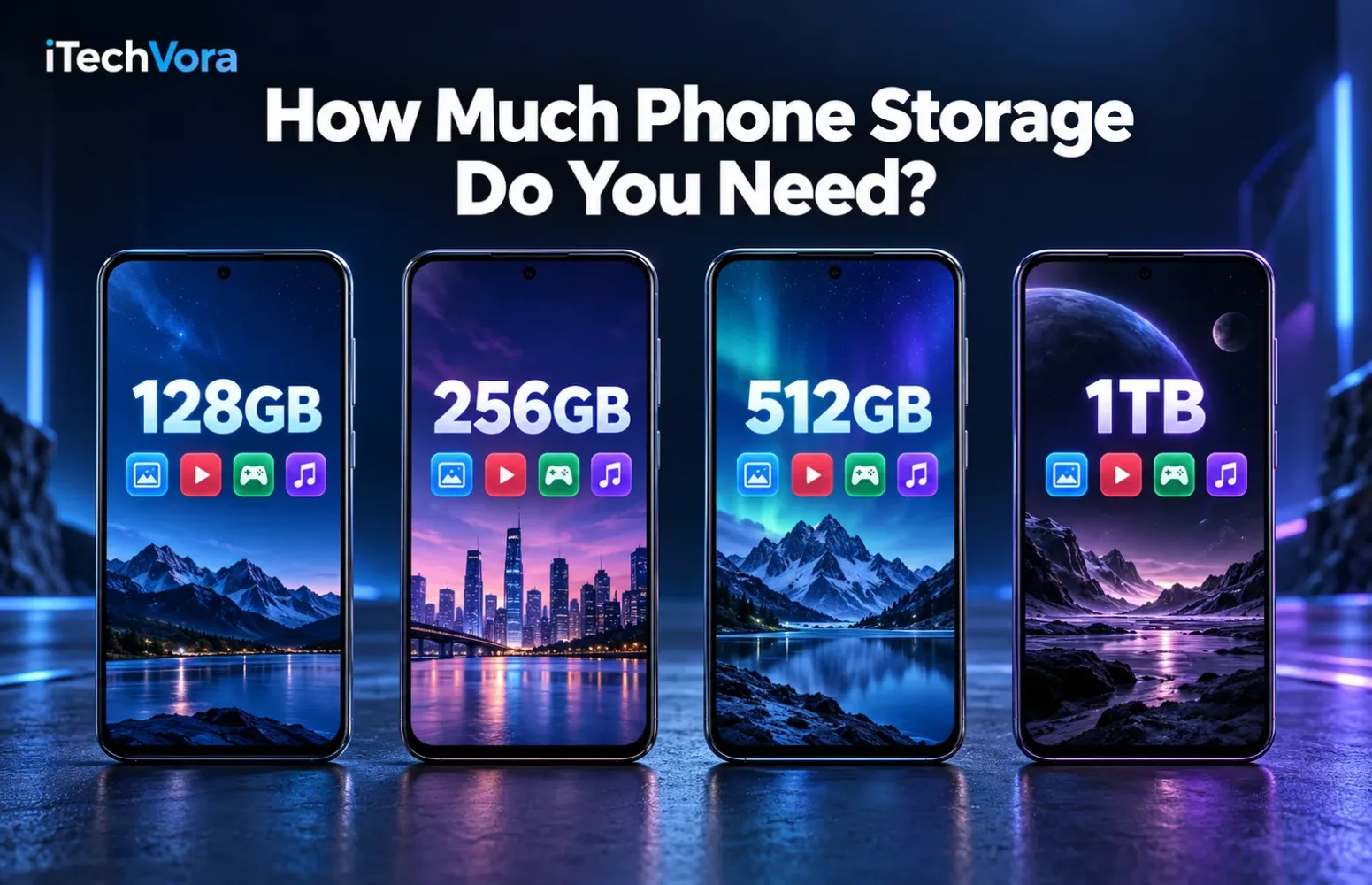
If you use relatively little space, stream most entertainment, and regularly move photos elsewhere, 128GB can still make sense. If you want room for a growing photo library, several games, and occasional offline downloads, 256GB is my starting recommendation. Move to 512GB or 1TB when you have a specific reason to keep substantially more content on the phone.
The important question is how much you need to carry locally—and how often you are willing to manage it.
Phone Storage Compared: Which Capacity Fits Your Habits?
These are editorial recommendations, not fixed usage limits.
| Capacity | Likely fit | Main trade-off |
|---|---|---|
| 128GB | Light app use, streaming, occasional photography, regular backups and cleanup | Less flexibility as games, videos, and message attachments accumulate |
| 256GB | Everyday photography, several games, offline music, and longer ownership | Costs more upfront, but still needs management with heavy video use |
| 512GB | Large game collections, frequent video recording, extensive offline media | Worth paying for when those files genuinely need to stay local |
| 1TB | Demanding recording workflows, large local archives, extended periods away from reliable internet | Easy to overbuy if you routinely transfer or delete large files |
Not every phone offers all four options. Make sure the prices refer to the same phone model and the storage options sold in your country.
Why the Advertised Capacity Is Not Your Personal File Allowance
A 256GB phone does not arrive with 256GB available exclusively for your photos and apps. Formatting, the operating system, preinstalled software, and system data occupy part of its capacity. The amount varies by device and software version.
Manufacturers generally express storage in decimal units: 1GB means one billion bytes. Some software uses a different counting convention, which can also affect the displayed figure. Neither difference means the missing space is necessarily a fault. Apple’s capacity explanation.
Leave room for growth and temporary needs, too. A phone that barely accommodates your existing files is an uncomfortable purchase if you plan to keep it for several years.
128GB Works Best When Your Habits Keep Storage Under Control
I would consider 128GB for someone who mainly uses messaging, banking, navigation, browsing, and streaming services, with a modest collection of installed games.
The qualification is photography. Taking occasional pictures is different from keeping years of photos and videos at full resolution on the device. Likewise, streaming music is different from downloading a large library for travel.
Cloud services can help, but uploading files alone does not necessarily remove their local copies. You need to understand the service’s storage-management options.
Choose 128GB because your usage supports it. If your existing 128GB phone regularly needs emergency cleanup, buying the same capacity again is unlikely to improve that experience.
256GB Is a Sensible Starting Point for Mixed Everyday Use
What makes 256GB appealing is room for overlapping habits. You can care about photography, keep several substantial apps or games, and download entertainment before a trip without treating each activity as a separate storage decision.
It is also worth considering when your current usage is moderate but steadily increasing. A phone bought for four years needs to accommodate more than its first month.
That does not make 256GB compulsory. If your phone uses little space after years of ownership, the cheaper option may be perfectly adequate. I would examine the upgrade premium against the inconvenience you realistically expect it to prevent.
512GB Makes Sense When You Keep More of Everything
The strongest case for 512GB is a combination of storage-heavy activities: frequent video recording, several large games, downloaded shows, and a substantial photo collection.
It is particularly useful when those files must remain available without an internet connection. A traveller carrying entertainment and camera footage has different requirements from someone who transfers recordings to a computer every evening.
More room also reduces the frequency of cleanup. That convenience has value, especially if your phone doubles as a camera and work device. But 512GB still needs a backup plan; additional capacity does not protect files from loss or damage.
1TB Should Solve a Recognisable Storage Problem
I would buy 1TB with a workflow in mind: keeping substantial recording projects locally, carrying a large media archive, or working for extended periods without dependable transfers.
Professional video formats illustrate why capacity can matter so much. According to Apple, ProRes footage can take up as much as 30 times the space of HEVC video. Your recording options depend on the particular iPhone, its storage capacity, and whether you use a supported external drive. Check those requirements before assuming a larger internal drive unlocks every recording option. Apple’s ProRes documentation.
For ordinary photography and short compressed clips, 1TB may provide more room than you need. A regular transfer routine can change the calculation considerably.
Photos, Games, and Downloads Need Different Calculations
There is no dependable universal answer to “How many photos fit in 128GB?” Image resolution, compression, RAW capture, motion-photo features, and editing all change file sizes.
For video, file size depends heavily on the resolution, frames recorded per second, compression format, and capture settings. Apple documents that HEIF and HEVC use storage more efficiently than JPEG and H.264 at comparable visual quality. A capacity estimate based on one format may therefore mislead someone using another. Apple’s media-format guidance.
Games deserve a separate check. The initial download may not represent the full installed footprint once additional resources and updates are present. Look at the space your preferred games actually occupy.
Offline music, maps, and video are easier to overlook because they feel temporary. Before travelling, they can become a substantial extra demand.
Cloud Storage Helps, but It Does Not Increase Internal Capacity
Cloud storage and phone storage are separate resources. Buying a larger cloud plan does not create more internal space for installed apps, local downloads, or recordings. Apple explains the distinction.
With iCloud Photos optimisation, full-resolution originals can remain in iCloud while smaller versions occupy the phone. Google Photos’ Free up space feature removes local copies of safely backed-up items; Google warns that removed items are unavailable offline. Apple’s photo-storage guidance, Google Photos Help.
The trade-off is access. A smaller phone plus cloud storage may suit reliable connectivity and regular uploads. More local capacity makes sense when you need originals available anywhere. Compare recurring cloud costs over your intended ownership period with the phone’s one-time upgrade cost.
Check Your Current Usage Before Spending More
On an iPhone, open Settings → General → iPhone Storage. On Android, look for Storage in Settings; the location varies by manufacturer. Inspect the categories and individual apps rather than relying only on the total. Apple’s storage guide, Android’s storage guide.
Then consider:
- How much content will you transfer to the new phone?
- What has grown fastest during the past year?
- Which files must remain available offline?
- How long will you keep the replacement?
For example, someone using 70GB and removing a few temporary downloads has a different decision from someone using 115GB after repeatedly deleting important files. These are illustrative scenarios, not recommended thresholds.
Avoid planning to fill every available gigabyte. Google warns that Android phones can develop issues when less than 10% of storage remains free. That is useful guidance, rather than a universal performance guarantee. Google’s troubleshooting advice.
Do More Gigabytes Make a Phone Faster?
Capacity and speed are different specifications. A 512GB label tells you how much data the phone can hold; it does not establish storage speed, processor performance, or RAM capacity.
Some variants may differ in other hardware, so compare the exact configurations. Do not assume the larger option is faster simply because its capacity doubles.
Expandable storage also requires checking. A microSD card can help with media on supported phones, but it is not always interchangeable with internal storage. Samsung notes that support varies and that its Android devices do not support adoptable storage. Samsung’s microSD guidance.
The Capacity I Would Choose
I would shortlist 256GB first, then adjust using evidence from the current phone.
Choose 128GB when your files comfortably fit and your storage habits are established. Choose 512GB when games, video, and offline media are already competing for room. Choose 1TB when keeping a large amount locally is part of how you work.
The useful upgrade is the one that removes a recurring limitation. Unused capacity is harmless, but it is still something you paid for.
Frequently Asked Questions
Is 128GB enough for a phone?
It can be, particularly for light app use and streaming. Your existing storage usage and willingness to manage photos and downloads are better indicators than a general rule.
Is 256GB enough for gaming?
It can accommodate a substantial collection, but game sizes vary. Check installed footprints and account for photos, downloads, and future updates.
Is 512GB worth the extra cost?
It is easier to justify if you regularly record video, retain several large games, or need extensive offline media. Compare the premium with your actual storage pressure.
Does 1TB storage mean 1TB RAM?
No. Storage holds files and installed software. RAM provides working memory for active applications and the operating system.
Can I use cloud storage instead of buying more phone storage?
Cloud services can reduce local photo and file storage through appropriate management features. Apps and content needed offline still require space on the phone.
Trusted Sources
- Apple: How storage capacity is measured
- Apple: Checking iPhone and iPad storage
- Apple: Device storage versus iCloud storage
- Apple: Managing photo and video storage
- Apple: HEIF and HEVC formats
- Apple: ProRes recording requirements
- Google: Freeing storage on Android
- Google Photos: Removing backed-up local copies
- Google: Troubleshooting low-storage issues
- Samsung: MicroSD support and limitations
Report an issue with this article
Spotted outdated information or a broken link? The article URL is included automatically. Reports are private. Please do not include sensitive personal information.
Contact us at itechvora@gmail.com with the article link.